A point-of-sale (POS) system is much more than a cash register. For a shop, café or restaurant in Morocco, the right POS tells you every evening what you sold, what is left in stock and where money is leaking. The wrong one slows down your staff and gives you numbers you can't trust.
Signs you need a real POS system
- Your stock on paper never matches what is on the shelves.
- Closing the day takes an hour of counting and calculations.
- You can't say which products or dishes make the most profit.
- You have two branches and no idea what happens in the one you're not in.
- Staff mistakes at the till are only discovered at the end of the month.
The 8 features that matter most
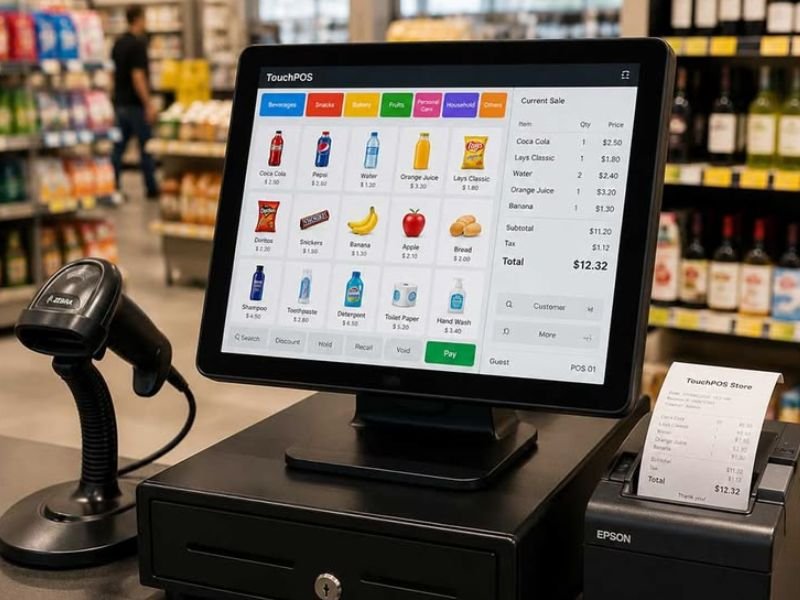
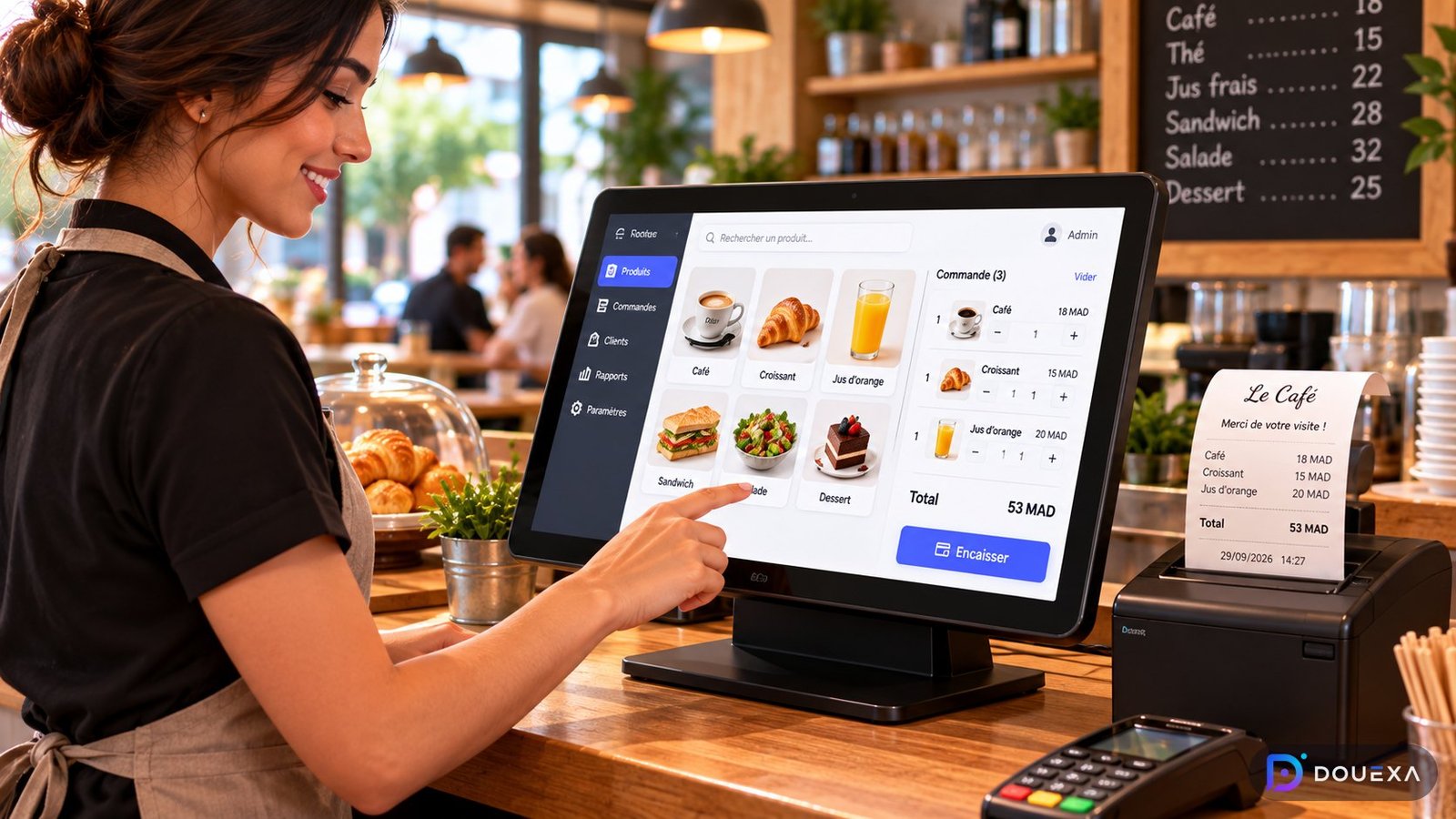
- Fast selling screen — big buttons, search by name or barcode, as few taps as possible.
- Real-time stock — every sale updates stock; alerts when a product runs low.
- Recipes for restaurants — selling a dish removes its ingredients from stock.
- Daily and monthly reports — sales, margins, best sellers, per staff member.
- Users and permissions — cashiers can sell; only the owner can delete or give discounts.
- Offline mode — internet cuts should not stop sales.
- Hardware — receipt printer, cash drawer, barcode scanner and kitchen printer or screen.
- Multi-branch — see all your shops from your phone.
Questions to ask before choosing
- Does it work in French and Arabic, with prices in MAD?
- Can it print receipts in the format my customers expect?
- What happens to my data if I stop paying? Can I export it?
- Who do I call when the printer stops on a busy Friday night?
- Can it later connect to my online store so stock stays the same everywhere?
That last point matters more and more: shops that sell both in-store and online need one stock for both. We cover that in our guide on selling online in Morocco.
POS for shops vs. POS for restaurants
Shops need fast barcode sales, product variants (size, colour), supplier purchases and stock per branch. Restaurants and cafés need table management, kitchen tickets, dish recipes, modifiers (“no sugar”, “extra cheese”) and split bills. One system can do both, but the setup and screens should follow your type of business.
What the owner should see every day
- Total sales, cash vs. card, and difference with the cash drawer.
- Best-selling and slowest products or dishes.
- Stock alerts and what to order from suppliers.
- Discounts, cancellations and refunds by staff member.
Frequently asked questions
Does a POS work without internet?
A good POS keeps selling offline and syncs the data when the connection comes back. Always test this before choosing.
Can I see my shop from my phone?
Yes — with a cloud dashboard you can follow sales and stock of every branch in real time from your phone.
What hardware do I need?
Usually a touchscreen or tablet, a receipt printer, a cash drawer and a barcode scanner for shops, plus a kitchen printer or screen for restaurants. Your existing computer can often be reused.
How long does it take to set up?
A standard setup with your products can be ready in a few weeks. Custom features, several branches or an online-store connection take longer.
Custom software projects such as a POS usually start from 12,000 MAD, depending on branches, hardware and reports. Learn more on our custom software page.